Why You Should Pre-Create Email Templates in Your Softools Site

When building workflows in Softools, it’s easy to focus on the logic. What triggers an email, who it goes to and what data it includes.
But one of the most effective ways to improve both speed and quality at scale is to pre-create your email templates at site level.
What does this mean?
Instead of designing emails inside each workflow, you define a reusable HTML template once containing your header, footer, branding, and structure.
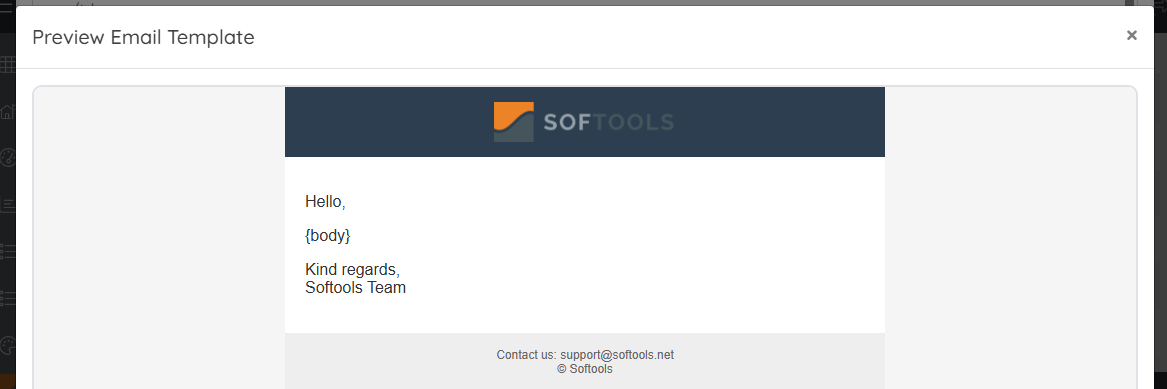
Each workflow then simply injects its specific content using the {body} placeholder.
Key Benefits
- ✅ Consistent branding and layout across all emails
- ✅ Faster workflow creation (no HTML required per workflow)
- ✅ Centralised updates (change once, apply everywhere)
- ✅ Separation of design (template) and content (
{body}) - ✅ Ability to tailor templates for different communication types
- ✅ Reduced formatting errors and improved email reliability
Key Concept
Templates define the structure around your message, not the message itself.
{body} is inserted once—so templates control the header, footer, and framing, while workflows control the actual content.
Example Templates (Copy & Reuse)
Below are production-ready, Outlook-safe templates you can copy and adapt.
🌐 External / Customer Email
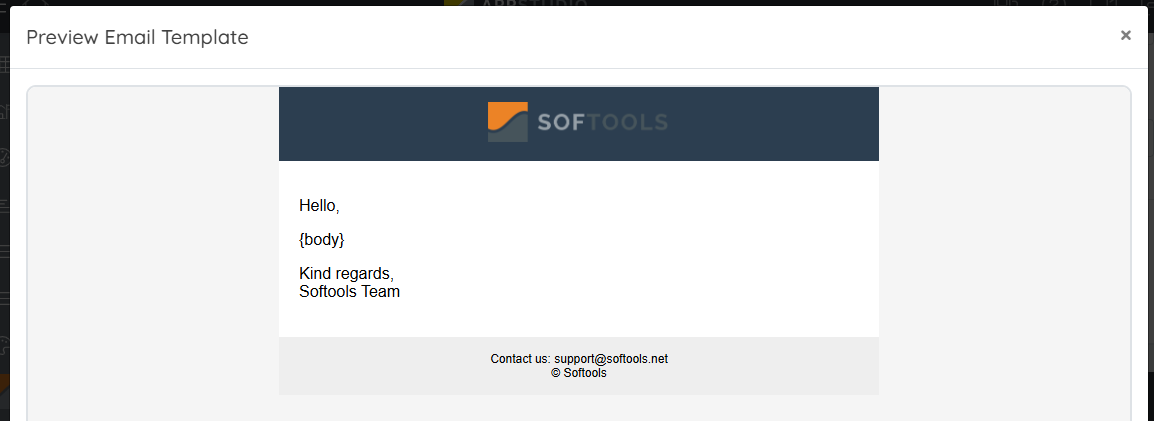
<html>
<body style="margin:0; padding:0; background-color:#f5f5f5;">
<table width="100%" cellpadding="0" cellspacing="0" border="0" bgcolor="#f5f5f5">
<tr><td align="center">
<table width="600" cellpadding="0" cellspacing="0" border="0" bgcolor="#ffffff" style="font-family:Arial, sans-serif;">
<tr>
<td align="center" bgcolor="#2c3e50" style="padding:15px;">
<img src="https://images.squarespace-cdn.com/content/v1/60e84e35fc14466f9494be26/7fedec5b-8139-4fc0-82f4-b4d869feda44/softools-orange.png?format=1500w" height="40">
</td>
</tr>
<tr>
<td style="padding:20px;">
<p>Hello,</p>
{body}
<p>Kind regards,<br>Softools Team</p>
</td>
</tr>
<tr>
<td align="center" bgcolor="#eeeeee" style="padding:15px; font-size:12px;">
Contact us: support@softools.net<br>© Softools
</td>
</tr>
</table>
</td></tr>
</table>
</body>
</html>🏢 Internal Email
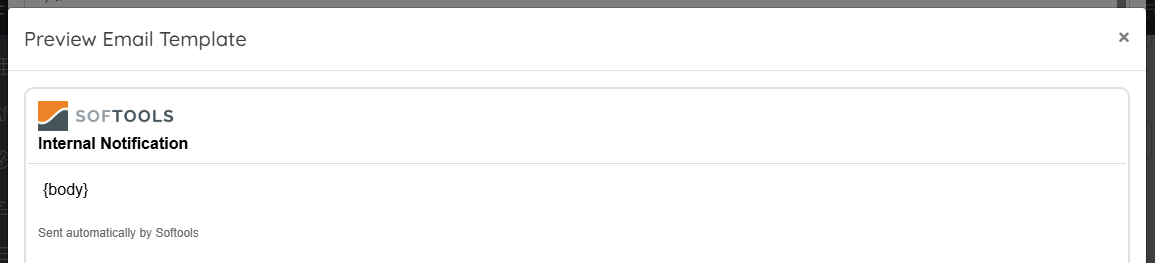
<html>
<body style="margin:0; padding:0;">
<table width="100%" style="font-family:Arial, sans-serif;">
<tr>
<td style="padding:10px; border-bottom:1px solid #ddd;">
<img src="https://images.squarespace-cdn.com/content/v1/60e84e35fc14466f9494be26/7fedec5b-8139-4fc0-82f4-b4d869feda44/softools-orange.png?format=1500w" height="30">
<br />
<strong> Internal Notification</strong>
</td>
</tr>

<tr><td style="padding:15px;">{body}</td></tr>

<tr>
<td style="padding:10px; font-size:12px; color:#666;">
Sent automatically by Softools
</td>
</tr>
</table>
</body>
</html>
⏰ Reminder Email
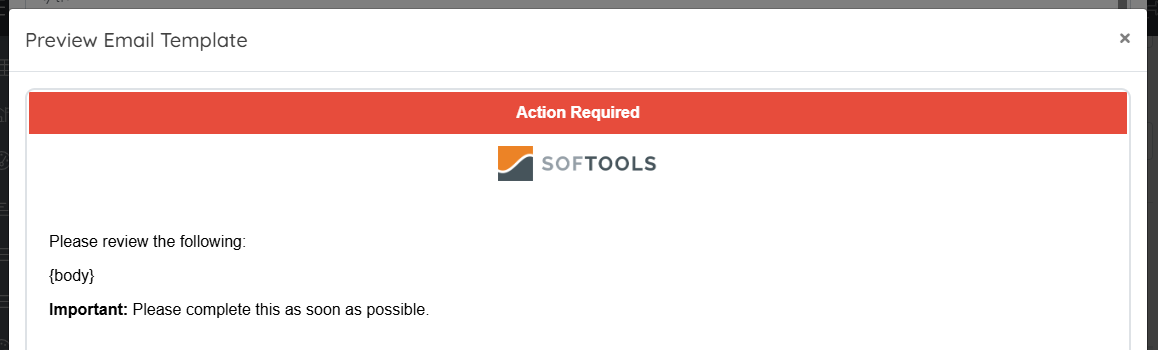
<html>
<body style="margin:0; padding:0;">
<table width="100%" style="font-family:Arial, sans-serif;">
<tr>
<td align="center" bgcolor="#e74c3c" style="color:#fff; padding:12px;">
<strong>Action Required</strong>
</td>
</tr>

<tr>
<td align="center" style="padding:10px;">
<img src="https://images.squarespace-cdn.com/content/v1/60e84e35fc14466f9494be26/7fedec5b-8139-4fc0-82f4-b4d869feda44/softools-orange.png?format=1500w" height="35">
</td>
</tr>

<tr>
<td style="padding:20px;">
<p>Please review the following:</p>
{body}
<p><strong>Important:</strong> Please complete this as soon as possible.</p>
</td>
</tr>
</table>
</body>
</html>
✅ Approval Email
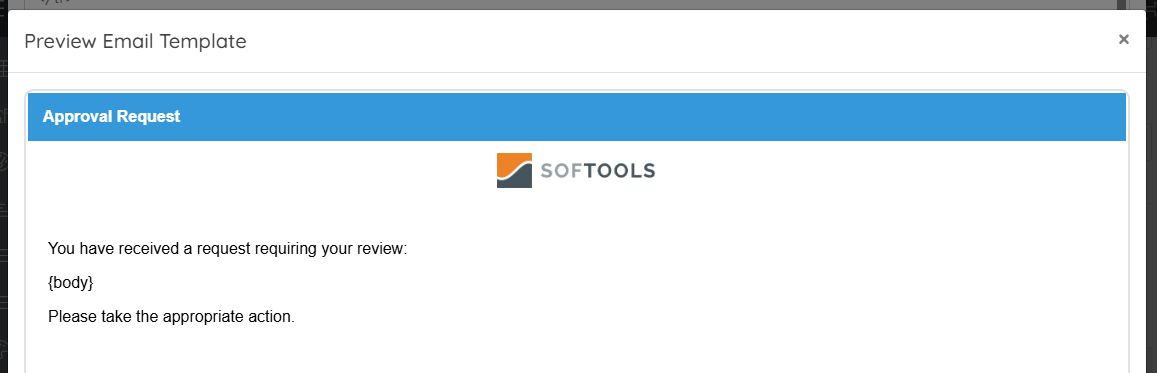
<html>
<body style="margin:0; padding:0;">
<table width="100%" style="font-family:Arial, sans-serif;">
<tr>
<td bgcolor="#3498db" style="color:#fff; padding:15px;">
<strong>Approval Request</strong>
</td>
</tr>

<tr>
<td align="center" style="padding:10px;">
<img src="https://images.squarespace-cdn.com/content/v1/60e84e35fc14466f9494be26/7fedec5b-8139-4fc0-82f4-b4d869feda44/softools-orange.png?format=1500w" height="35">
</td>
</tr>

<tr>
<td style="padding:20px;">
<p>You have received a request requiring your review:</p>
{body}
<p>Please take the appropriate action.</p>
</td>
</tr>
</table>
</body>
</html>
📜 Formal / Certification Email
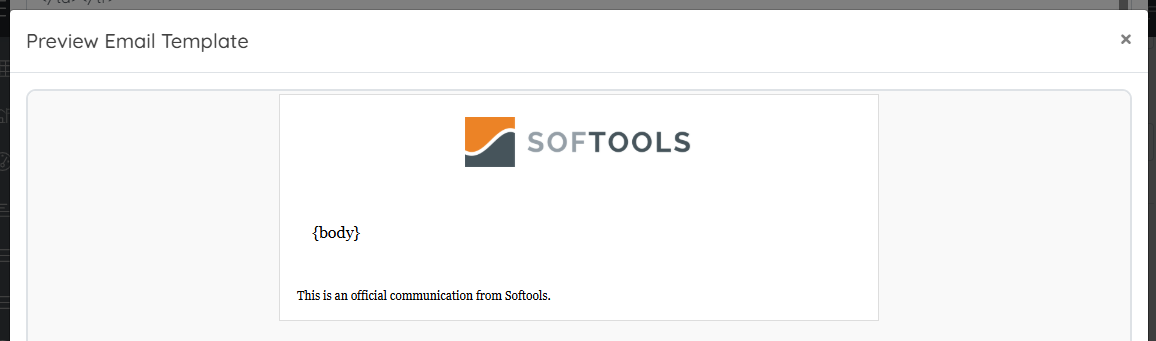
<html>
<body style="margin:0; padding:0; background:#f9f9f9;">
<table width="100%" bgcolor="#f9f9f9">
<tr><td align="center">

<table width="600" bgcolor="#ffffff" style="font-family:Georgia, serif; border:1px solid #ddd;">
<tr>
<td align="center" style="padding:20px;">
<img src="https://images.squarespace-cdn.com/content/v1/60e84e35fc14466f9494be26/7fedec5b-8139-4fc0-82f4-b4d869feda44/softools-orange.png?format=1500w" height="50">
</td>
</tr>

<tr><td style="padding:30px;">{body}</td></tr>

<tr>
<td style="padding:15px; font-size:12px;">
This is an official communication from Softools.
</td>
</tr>

</table>

</td></tr>
</table>
</body>
</html>
🔔 System Notification
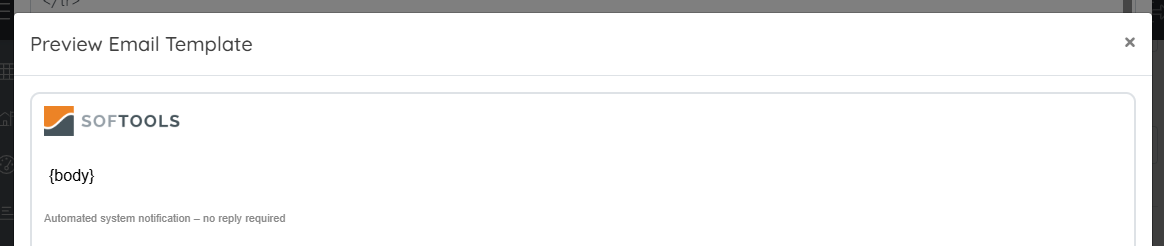
<html>
<body style="margin:0; padding:0;">
<table width="100%" style="font-family:Arial, sans-serif;">
<tr>
<td style="padding:10px;">
<img src="https://images.squarespace-cdn.com/content/v1/60e84e35fc14466f9494be26/7fedec5b-8139-4fc0-82f4-b4d869feda44/softools-orange.png?format=1500w" height="30">
</td>
</tr>

<tr><td style="padding:15px;">{body}</td></tr>

<tr>
<td style="padding:10px; font-size:11px; color:#888;">
Automated system notification – no reply required
</td>
</tr>
</table>
</body>
</html>
⚠️ Error / Exception Email
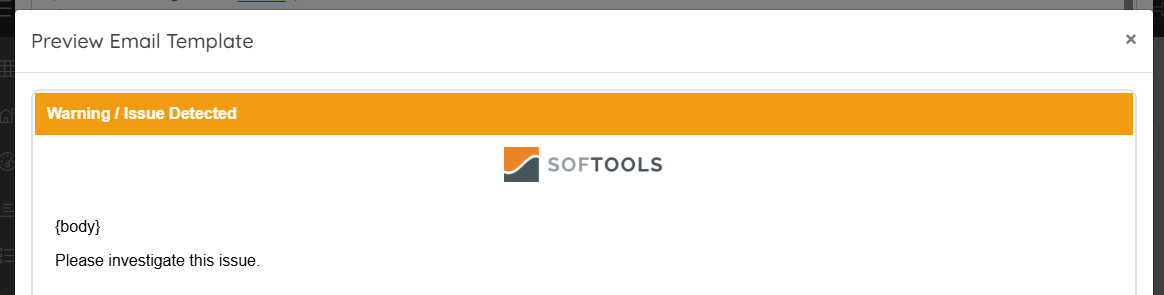
<html>
<body style="margin:0; padding:0;">
<table width="100%" style="font-family:Arial, sans-serif;">
<tr>
<td bgcolor="#f39c12" style="color:#fff; padding:12px;">
<strong>Warning / Issue Detected</strong>
</td>
</tr>

<tr>
<td align="center" style="padding:10px;">
<img src="https://images.squarespace-cdn.com/content/v1/60e84e35fc14466f9494be26/7fedec5b-8139-4fc0-82f4-b4d869feda44/softools-orange.png?format=1500w" height="35">
</td>
</tr>

<tr>
<td style="padding:20px;">
{body}
<p>Please investigate this issue.</p>
</td>
</tr>
</table>
</body>
</html>
🎨 Multi-Brand Template
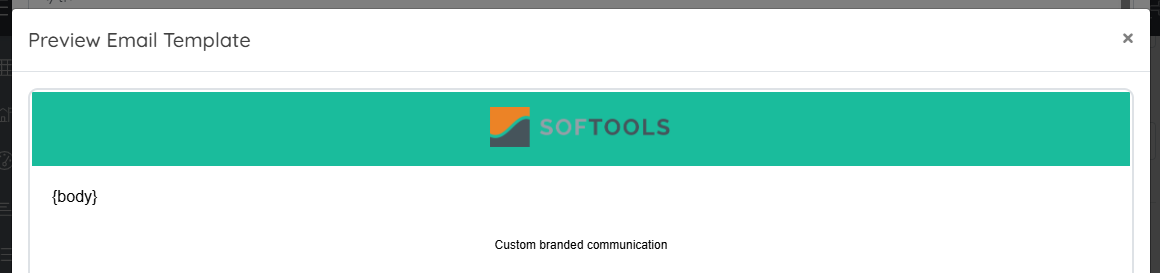
<html>
<body style="margin:0; padding:0;">
<table width="100%" style="font-family:Arial, sans-serif;">
<tr>
<td align="center" bgcolor="#1abc9c" style="padding:15px;">
<img src="https://images.squarespace-cdn.com/content/v1/60e84e35fc14466f9494be26/7fedec5b-8139-4fc0-82f4-b4d869feda44/softools-orange.png?format=1500w" height="40">
</td>
</tr>

<tr><td style="padding:20px;">{body}</td></tr>

<tr>
<td align="center" style="padding:10px; font-size:12px;">
Custom branded communication
</td>
</tr>
</table>
</body>
</html>
Final Thought
By setting these up once, you give every workflow a consistent, professional frame, while keeping the flexibility of dynamic {body} content.
It’s a small setup step that pays off massively as your platform scales.
Please sign in to leave a comment.
Comments
0 comments