
How to use
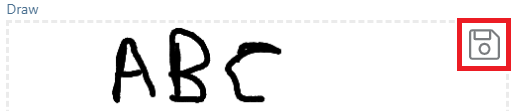
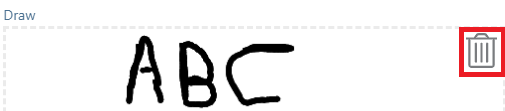
The draw canvas will be presented with a dashed line box. Inside this box you will be able to use your touch-sensitive device or mouse to draw. Once you have completed the drawing navigate to the save button in the top right hand corner of the field and click. Once saved the save button will transition to a trashcan (Shown in the image below). This can then be used to delete your drawing and start over with a new drawing.
Draw Field Use Cases
Signatures

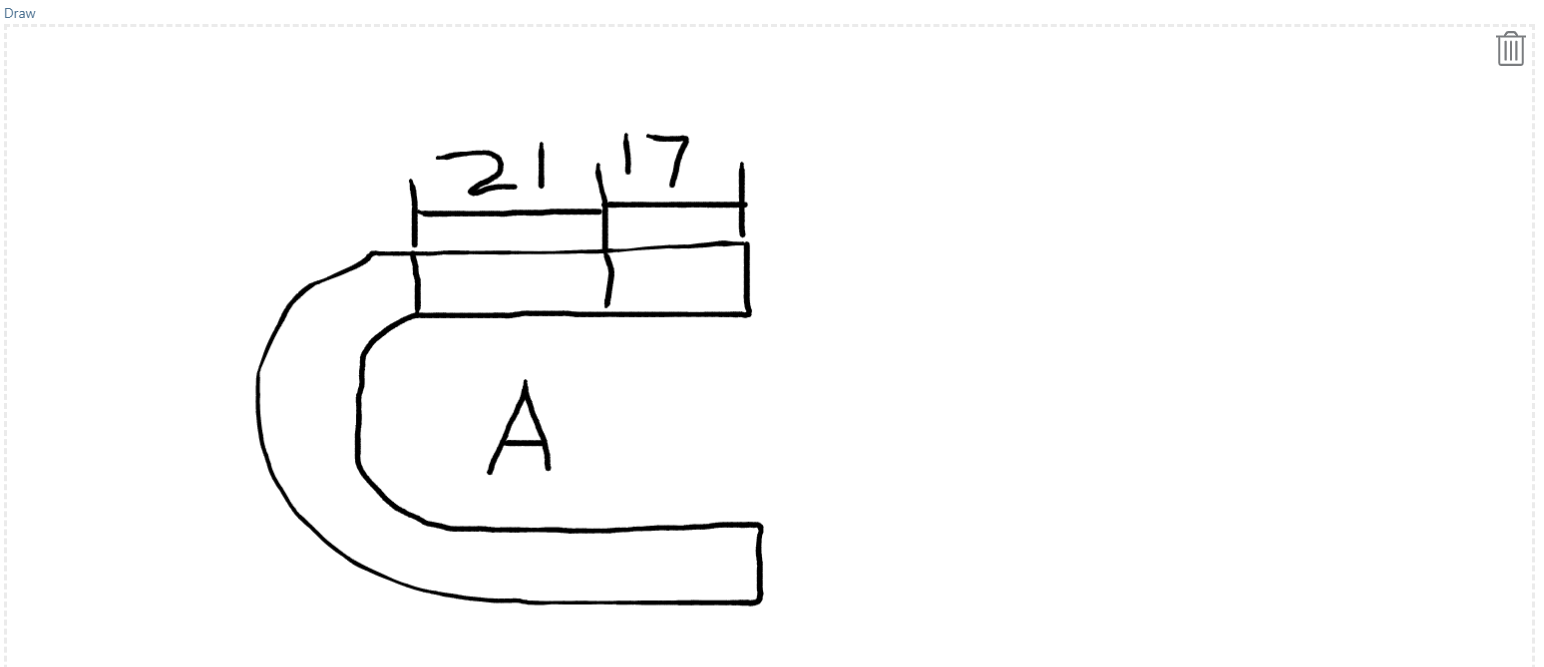
Diagram Sketches
Comments
0 comments
Please sign in to leave a comment.